

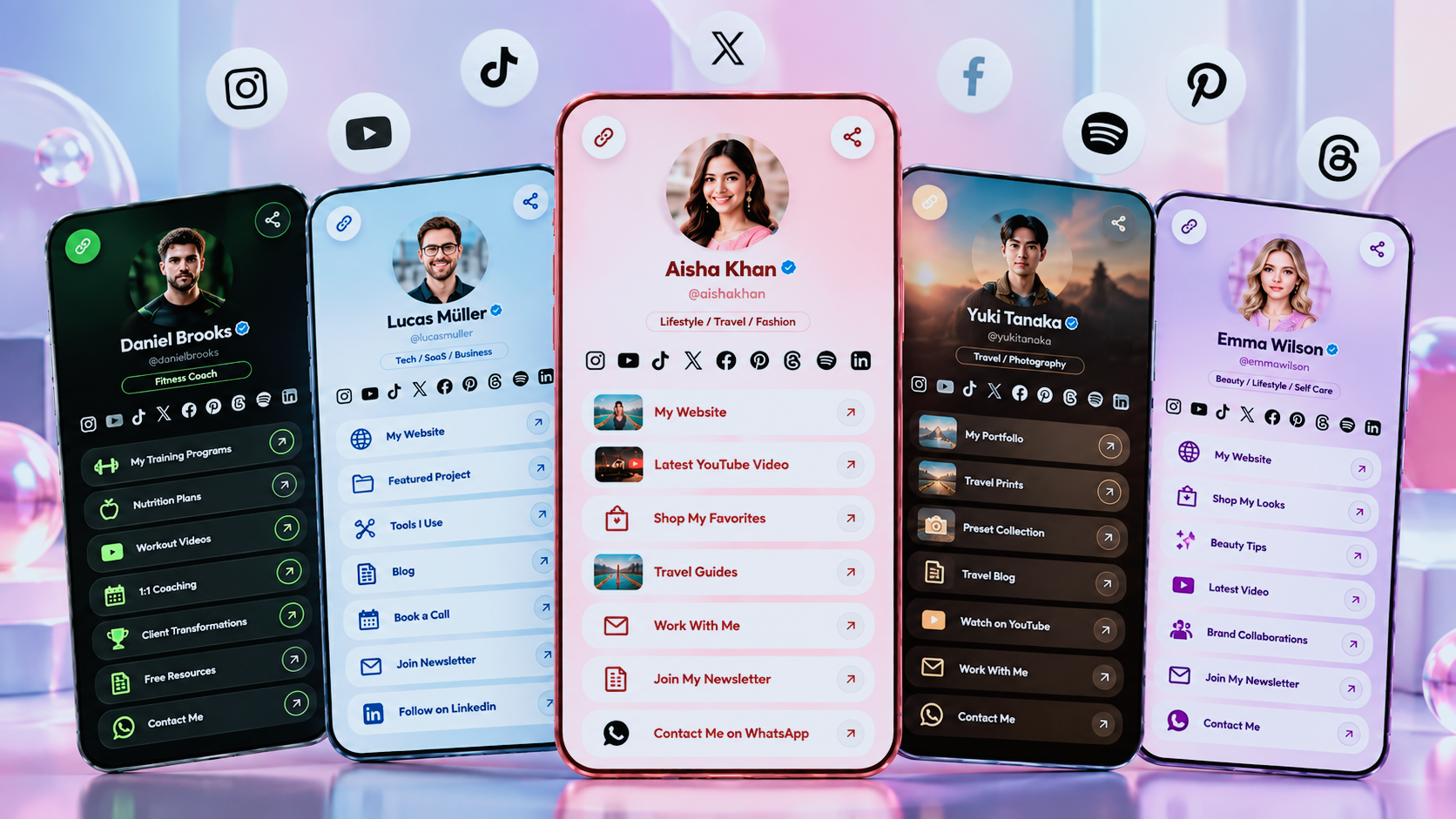
How to create a link in Bio
How to Create a Link in Bio: A Complete Step-by-Step Guide
Your social media profile is often the first place people discover you, your content, or your business. But there is one common problem: you may have several important things to share, while your profile gives you only limited space for links.
You might want people to visit your website, watch your latest video, explore your products, contact you on WhatsApp, book a service, read your blog, or follow your other social profiles.
Instead of sharing a different URL for every destination, you can create one link in bio that brings everything together.
In this guide, you'll learn how to create a link in bio, what to add to your page, how to organize your links, and how to make your bio page more useful for your audience.
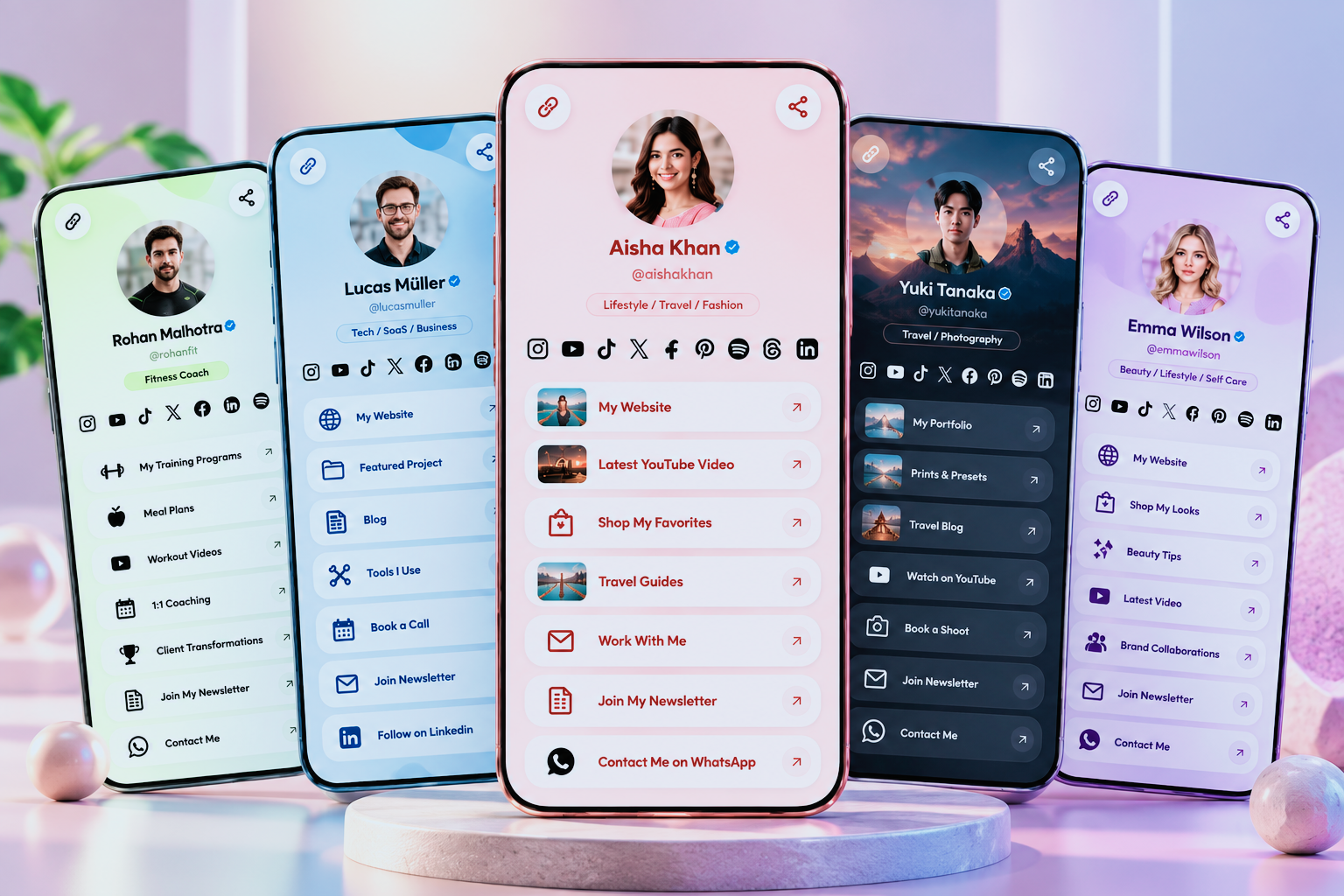
What Is a Link in Bio?
A link in bio is a single URL that opens a page containing multiple links, resources, actions, or content.
For example, your bio link could include:
Your website
Online store
Portfolio
Social media profiles
Latest content
Products or services
WhatsApp
Email
Booking link
Newsletter
Contact or enquiry form
Special offers
Instead of asking visitors to search for each destination individually, you give them one simple place to start.
A link in bio can be useful for creators, businesses, freelancers, professionals, artists, influencers, and anyone who wants to share multiple online destinations from one profile.
Why Use a Link in Bio?
A link in bio is more than a list of URLs. When designed properly, it can become a simple landing page for your personal brand or business.
Share multiple links from one URL
You can keep your main profile URL unchanged while adding or removing destinations from your bio page.
This is particularly useful when you regularly publish new content, launch products, promote services, or run campaigns.
Give visitors one clear destination
Instead of sending people to different URLs, you can direct them to one page where they can choose what they want to explore.
Promote your most important content
Your latest video, product, service, article, offer, or booking option can be placed prominently on your page.
Make it easier to generate leads
A business-focused bio page can include contact buttons, WhatsApp, enquiry forms, booking options, and other calls to action.
Connect your online presence
Your website, social profiles, content, products, and contact options can all be accessible from one page.
How to Create a Link in Bio
Creating a link in bio is a straightforward process. You need a bio link platform, a public profile page, your important destinations, and a clear structure.
Here is a simple step-by-step process.
Step 1: Choose a Link in Bio Tool
First, choose a platform that lets you create a public bio page.
Different tools offer different features, so consider what you actually need before creating your page.
Useful features can include:
Custom bio page
Multiple links
Custom profile URL
Themes and customization
Social media links
WhatsApp or contact buttons
Lead forms
Analytics
QR codes
Services or product sections
Mobile-friendly design
For example, LnKin.bio combines a bio page with links, social profiles, contact actions, lead forms, QR codes, analytics, and customization options.
The right tool depends on whether you are creating a page for yourself, a creator profile, or a business.
Step 2: Create Your Profile
Once you have selected a tool, create your profile.
Start with the information visitors need to understand who you are.
Add your:
Name or brand name
Profile photo or logo
Short bio
Profession or category
Main website
Important social profiles
Keep your introduction concise.
For example:
Good:
Helping small businesses build better websites and grow online.
This is easier to understand than a long paragraph describing everything you do.
Your visitor should know who you are and what you offer within a few seconds.
Step 3: Add Your Important Links
Next, add the destinations you want visitors to access.
Do not feel that you need to add every link you have.
Start with the most important ones.
For a creator, the page might include:
Latest YouTube Video
My Website
Digital Products
Instagram
Collaboration Enquiries
For a business, it might include:
Visit Our Website
Shop Now
WhatsApp Us
Our Services
Request a Quote
Contact Us
Your links should reflect the actions you actually want visitors to take.
[IMAGE 2 — Show a visual of one bio link leading to Website, Store, WhatsApp, Socials, Services and Content]
Step 4: Organize Your Links
Once you have added your links, arrange them in a logical order.
Your most important action should generally appear near the top.
For example, if you are promoting a new product, place the product near the top rather than hiding it below ten social media links.
Think about the journey you want visitors to take:
Profile → Main action → Supporting links → Social profiles → Contact
You do not have to follow this exact structure, but having a clear hierarchy makes your page easier to navigate.
Step 5: Customize Your Bio Page
A good link in bio page should feel like part of your brand.
Depending on your platform, you can customize elements such as:
Colors
Background
Buttons
Fonts
Profile image
Layout
Themes
Your design does not need to be complicated.
A clean layout with good contrast, readable text, and consistent branding is often more effective than a page filled with unnecessary visual elements.
If you are creating a business profile, try to keep your bio page visually consistent with your website and other marketing materials.
Step 6: Add Calls to Action
A call to action tells visitors what they can do next.
Instead of using generic button text such as:
Click Here
Use specific wording such as:
Visit Our Website
Shop the Collection
Book a Consultation
Message Us on WhatsApp
Read Our Latest Article
Watch the Latest Video
Specific calls to action make the purpose of each link immediately clear.
What Should You Put on a Link in Bio Page?
There is no single formula that works for everyone. Your page should reflect your goals and audience.
Here are some useful elements to consider.
Your profile
Start with your name, profile picture or logo, and a short description.
This establishes context before visitors start exploring your links.
Your main website
If you have a website, it is usually one of the most important destinations on your page.
Social media profiles
You can connect the platforms where your audience can find more of your content.
Products or services
Businesses, freelancers, and creators can highlight products, services, digital downloads, or other offers.
Contact options
Make it easy for visitors to contact you through email, WhatsApp, enquiry forms, or other channels.
Latest content
You can highlight a new video, article, podcast episode, campaign, or announcement.
QR code
A QR code can make your bio page useful beyond social media.
You can place it on business cards, packaging, posters, menus, event displays, flyers, or printed marketing material and direct people to the same bio page.
How to Make Your Link in Bio More Effective
Creating a page is only the first step. The way you organize and present your information can make a significant difference to the visitor experience.
Keep your most important link visible
If everything is equally prominent, nothing stands out.
Decide what your main objective is and give that action appropriate visibility.
Use clear link titles
Your visitors should understand a button without having to guess what it does.
For example:
Less clear:
My Link
Clearer:
View My Portfolio
Avoid unnecessary links
More links do not automatically make a better bio page.
If a link is outdated, irrelevant, or rarely useful, consider removing it.
Make the page mobile-friendly
Most people accessing a social media profile will likely be using a mobile device.
Your bio page should therefore have readable text, comfortable spacing, clear buttons, and an easy-to-use layout.
Keep your branding consistent
Use colors, images, typography, and visual elements that match your existing brand.
This helps your bio page feel like an extension of your website rather than a separate destination.
[IMAGE 3 — Add a polished mobile screenshot of a completed LnKin.bio page]
Link in Bio for Creators
Creators can use a bio link to bring their different online activities together.
For example, a creator may have:
YouTube
Instagram
TikTok
Newsletter
Podcast
Affiliate links
Digital products
Brand collaboration information
Community links
Instead of changing their profile URL every time they publish something new, they can update the destinations on their bio page.
This creates a consistent destination for their audience.
Link in Bio for Businesses
Businesses can use a link in bio as a compact digital hub.
A business page could include:
Website
Products
Services
WhatsApp
Location
Booking
Customer support
Reviews
Enquiry form
Current offers
This can be particularly useful when the business receives visitors from several social platforms.
A well-organized bio page can give those visitors a clear path to the information or action they need.
Link in Bio for Freelancers and Professionals
Freelancers and professionals can also use a bio link as a mini portfolio.
For example, a designer could include:
Portfolio → Services → Case Studies → Testimonials → Contact
A consultant could use:
About Me → Services → Book a Call → Resources → Contact
The important thing is to match the page structure with the visitor's likely needs.
Track Your Link in Bio Performance
If your bio link platform provides analytics, use the data to understand how people interact with your page.
Useful metrics can include:
Page views
Link clicks
Click-through rates
Top-performing links
Campaign performance
Visitor activity
For example, suppose your page receives many visitors but very few people click your main service.
That could be a reason to review the button text, position, offer, or page structure.
Analytics do not replace good design, but they can help you make decisions based on actual visitor behavior rather than assumptions.
[IMAGE 4 — Add LnKin.bio analytics/dashboard screenshot here]
How to Create a Link in Bio with LnKin.bio
If you want to create a single page for your links, content, services, social profiles, and contact options, LnKin.bio provides a dedicated bio page platform for this purpose.
You can create your profile, add your important links, customize the appearance, connect social profiles, add contact or lead-generation options, and share your public bio URL.
You can also use features such as QR codes and analytics to extend the usefulness of your bio page beyond a simple collection of buttons.
The goal is straightforward: give your audience one place to find everything important about you or your business.
[IMAGE 5 — Add the strongest LnKin.bio profile screenshot here]
Common Link in Bio Mistakes to Avoid
A few simple mistakes can make a bio page harder to use.
Adding too many links
A long list can overwhelm visitors. Focus on the destinations that matter most.
Using vague button text
Visitors should know what happens when they click.
Ignoring mobile design
Always check how the page looks and works on a smartphone.
Forgetting to update your page
Remove expired offers and outdated links regularly.
Making every link equally important
Give your primary action more visibility instead of making visitors search for it.
Treating the page like a storage folder
A bio page should guide visitors toward useful actions, not simply collect every URL you have.
Final Thoughts
A link in bio is a simple way to bring multiple destinations together under one URL.
Whether you are a creator sharing content, a business promoting products and services, a freelancer showcasing a portfolio, or a professional building a personal brand, a well-organized bio page can make it easier for people to discover what you offer.
The process is simple:
Choose a bio link tool → Create your profile → Add important links → Organize them → Customize your page → Share your URL → Review your performance.
The key is not to add as many links as possible. Instead, focus on creating a page that is clear, useful, mobile-friendly, and aligned with what your audience actually wants.
With a platform such as LnKin.bio, you can bring links, social profiles, content, services, contact options, lead generation, QR codes, and analytics together in one place.
Ready to create your link in bio?
Create your LnKin.bio page and give your audience one simple destination for everything you want to share.