

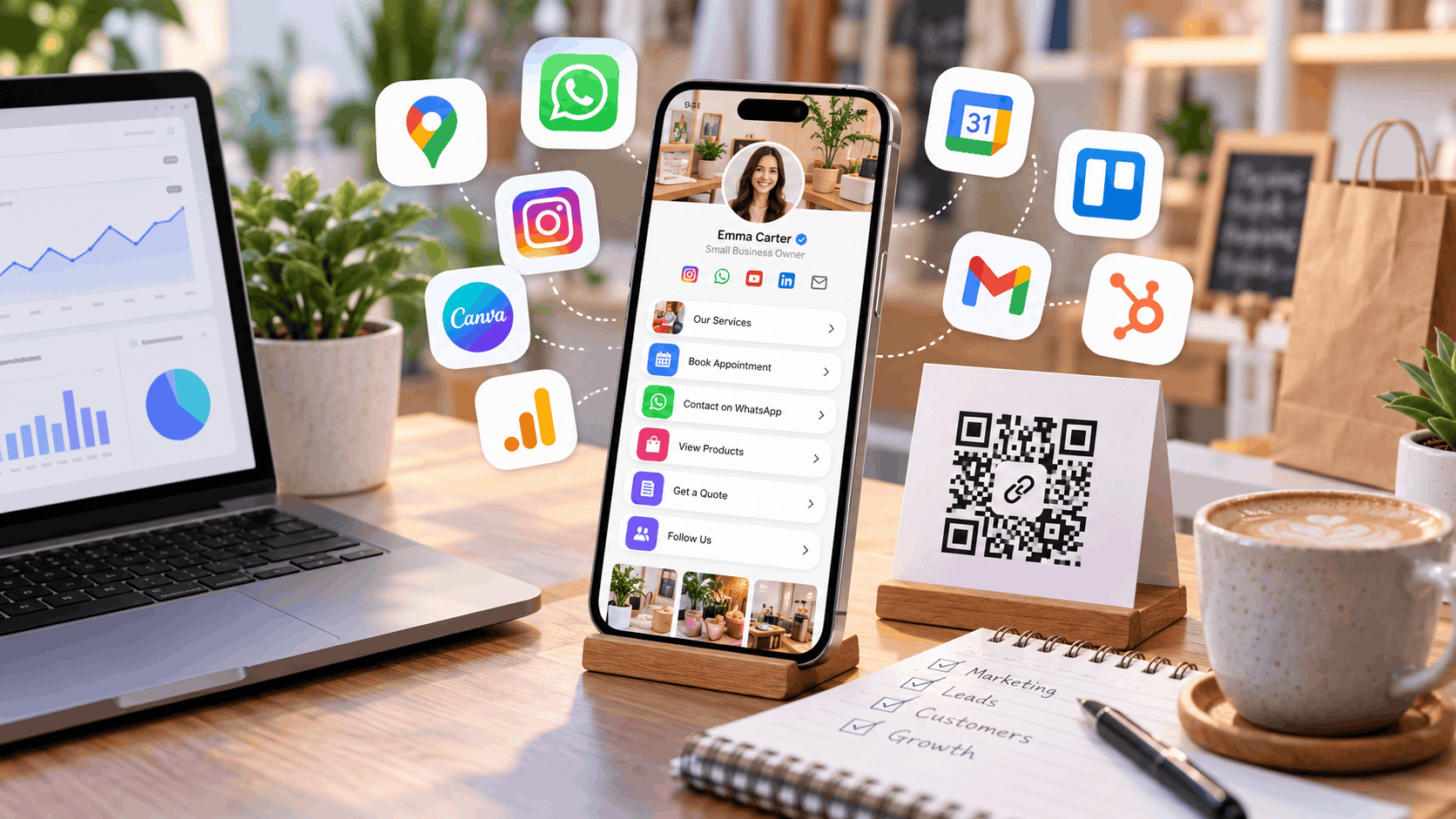
Free business tools for small businesses in 2026
12 Best Free Business Tools for Small Businesses (2026)
Running a small business is exciting, but managing everything behind the scenes can quickly become overwhelming.
One day, you're creating social media posts. The next, you're answering customer enquiries, tracking leads, scheduling appointments, updating your website and trying to understand which marketing efforts are actually bringing customers.
And when you're just starting, paying for multiple software subscriptions isn't always practical.
The good news? You don't need an expensive software stack to run a more organized business.
Several useful tools offer free plans that can help entrepreneurs handle everyday tasks, improve customer communication and build a stronger online presence.
But the goal isn't to sign up for every tool available.
It's to find a few solutions that solve real problems and work together.
Here are 12 of the best free business tools for small businesses in 2026, along with practical examples of how to use them.
12 Free Business Tools Worth Trying
ToolBest forFree optionLnKin.BioOnline presence, business links and lead collectionAvailableGoogle Business ProfileLocal business discoveryFreeCanvaGraphics and marketing contentFree planWhatsApp BusinessCustomer communicationFree appMeta Business SuiteInstagram and Facebook managementFreeGoogle Search ConsoleOrganic search performanceFreeGoogle AnalyticsWebsite visitor insightsFree standard versionHubSpot CRMLead and customer managementFree toolsCalendlyAppointment schedulingFree planGoogle FormsSurveys and information collectionFree personal optionTrelloTask and project managementFree planBrevoEmail marketingFree plan
Free-plan features and limits can change, so check each provider's current terms before choosing a tool.
1. LnKin.Bio — Bring Your Business Links Into One Place
Best for: Small businesses, entrepreneurs, freelancers, creators and service providers.
Imagine someone discovers your business through Instagram.
They want to see your products, learn about your services, find your website or contact you on WhatsApp.
But all this information is scattered across different platforms.
That's where a business bio page becomes useful.
LnKin.Bio helps you organize important links and customer contact options into a single mobile-friendly page.
Instead of sharing multiple URLs, you can direct people to one destination.
What can you use it for?
Share your website, products, services and social media profiles.
Give customers convenient contact options.
Collect enquiries through lead forms.
Share QR codes on business cards and marketing materials.
Create short links for sharing.
Review available page and link analytics.
Real-world example
Suppose you run a dental clinic.
Your business bio page could include:
Book an Appointment
Our Treatments
Contact on WhatsApp
Patient Enquiry
Find Our Location
You can place its QR code at your reception desk, on appointment cards or in promotional materials.
When someone scans the code, they can explore your clinic and take the next step.
Why it matters: A clear destination helps reduce unnecessary steps between discovering a business and contacting it.
2. Google Business Profile — Make Your Business Easier to Find Locally
Best for: Eligible local shops, restaurants, clinics, salons and service businesses.
When someone searches for "dentist near me" or "best bakery in my area," Google Search and Maps often play an important role in the discovery process.
Google Business Profile allows eligible businesses to manage how they appear across these services.
You can provide business details, opening hours, photographs, services and contact information.
Customers may also leave reviews about their experiences.
How should a small business use it?
Start with accurate information.
Make sure your location, phone number, working hours and business category are correct.
Add useful photographs and respond professionally to customer reviews.
For a local business, maintaining a complete and accurate profile can be more valuable than spending time on social media without a clear strategy.
Example: A salon owner could update holiday hours, add photographs of the premises and highlight available services.
Free option: Business Profile management is free for eligible businesses.
3. Canva — Create Marketing Content Without a Designer
Best for: Social media graphics, promotional materials, presentations and basic branding.
Professional-looking marketing doesn't always require hiring a graphic designer.
Canva offers ready-to-edit templates that can help business owners create visual content.
You can design Instagram posts, promotional banners, flyers, business presentations, event posters and product announcements.
A practical way to use Canva
Instead of designing everything from scratch, create a small collection of reusable templates.
For example:
A promotional offer design.
A customer testimonial design.
An educational social media post.
A product announcement design.
Use consistent colors, fonts and a recognizable visual style.
This can make your brand appear more organized, even when your marketing budget is limited.
Example: A small café could create weekly specials, festival offers and new menu announcements without needing a new designer for every post.
Free option: Canva offers a free plan, while some assets and advanced features require a paid subscription.
4. WhatsApp Business — Manage Customer Conversations
Best for: Customer enquiries, order updates, service questions and appointment-related communication.
Customers often prefer a quick message over a lengthy form or phone call.
WhatsApp Business is designed to help businesses communicate with customers using a dedicated business-oriented messaging experience.
Depending on the available features, you can create a business profile, organize chats, set up quick replies and showcase products or services.
How to make it useful
Identify the questions customers ask repeatedly.
These might include:
What is the price?
Do you offer delivery?
Where are you located?
How do I book an appointment?
What are your working hours?
Prepare clear replies to save time while maintaining a consistent customer experience.
Example: A clothing boutique could use quick replies to answer common sizing, delivery and order-related questions.
Free option: The WhatsApp Business app is free for basic use. Separate business messaging platforms and services may have charges.
5. Meta Business Suite — Manage Facebook and Instagram Together
Best for: Businesses that use Facebook and Instagram for marketing.
Managing social media consistently can become a full-time job.
You need to publish posts, respond to enquiries, review performance and plan upcoming content.
Meta Business Suite provides tools for managing supported Facebook and Instagram business activities from one place.
You can use it to organize content and review available account insights.
A simple weekly content plan
Instead of posting randomly, prepare content around a few recurring themes:
Monday: Share a helpful tip.
Wednesday: Highlight a product or service.
Friday: Post a customer story or business update.
Weekend: Share an offer or upcoming announcement.
The exact schedule matters less than publishing useful content consistently.
Example: A fitness studio could schedule workout tips, class announcements and trainer introductions.
Free option: Meta Business Suite is free for supported accounts. Advertising costs are separate.
6. Google Search Console — See How People Find Your Website
Best for: Businesses looking to improve their visibility in Google Search.
Publishing website pages and blog articles is only one part of SEO.
You also need to understand whether those pages are appearing in search results and which queries are bringing visitors.
Google Search Console provides information about website search performance.
It can help you review impressions, clicks, search queries and indexing-related issues.
What should you look at first?
Focus on pages that already receive search impressions.
If a page appears in search results but receives relatively few clicks, review whether its title clearly explains the content.
You can also look for important pages that haven't been indexed and investigate the reported reasons.
Example: An accounting firm might discover that its blog about GST registration receives impressions for several related search queries. The firm could then improve the article to answer those questions more clearly.
Free option: Free.
7. Google Analytics — Understand What Visitors Do on Your Website
Best for: Website traffic analysis and measuring important customer actions.
Getting more website visitors feels encouraging.
But visitor numbers alone don't tell you whether your marketing is working.
Google Analytics helps website owners understand how people arrive at their websites and interact with their content.
You can review traffic sources, pages visited and configured events.
Metrics that actually matter
Small businesses should begin with a few meaningful measurements:
Which channels bring visitors?
Which services or products attract interest?
Which pages receive the most engagement?
How many visitors complete an important action?
Important actions might include submitting a contact form, making a booking or completing a purchase.
Example: A home décor business could compare traffic arriving from organic search and social media to understand which channels contribute to customer activity.
Free option: Google Analytics has a no-cost standard version.
8. HubSpot CRM — Stop Losing Customer Leads
Best for: Businesses handling multiple customer enquiries and sales opportunities.
Here's a common business problem.
A potential customer sends a message asking for pricing.
You respond, promise to follow up tomorrow and then get busy with other work.
A few days later, you've forgotten the conversation.
That missed follow-up could mean a lost customer.
Customer relationship management software helps businesses organize contacts and track sales opportunities.
HubSpot offers free CRM tools that can help with these activities.
Create a simple lead pipeline
You can organize enquiries into stages such as:
New enquiry
Contacted
Requirement discussed
Proposal sent
Follow-up pending
Won or lost
Even a basic pipeline makes it easier to see which conversations need attention.
Example: A digital marketing agency could track incoming leads, proposals and follow-up dates instead of relying entirely on scattered chat messages.
Free option: HubSpot provides free CRM tools with feature and usage limitations.
9. Calendly — Make Appointment Scheduling Simpler
Best for: Consultants, coaches, teachers, agencies and appointment-based service businesses.
Scheduling a meeting through messages can take longer than the meeting itself.
You suggest one time.
The customer requests another.
Then you check your calendar again.
Scheduling tools can reduce this back-and-forth.
Calendly allows people to choose from the appointment slots you make available.
How businesses can use it
Create a booking option for your most common appointment type.
This might be:
A 15-minute introductory call.
A 30-minute consultation.
A product demonstration.
A discovery meeting.
Share the scheduling link wherever customers usually contact you.
Example: A career consultant could offer online consultation slots without manually coordinating every appointment.
Free option: Calendly offers a free plan for basic individual scheduling with limitations.
10. Google Forms — Collect Information Without Complicated Software
Best for: Surveys, customer feedback, registrations and simple questionnaires.
Sometimes you don't need a dedicated customer research platform.
You just need a simple way to ask questions and organize responses.
Google Forms lets businesses create online forms for collecting information.
Responses can be reviewed and analyzed to understand what people have submitted.
Practical business applications
A small business could create forms for customer satisfaction surveys, workshop registrations, service feedback or consultation questionnaires.
For example, after completing a service, you could ask customers how satisfied they were and what could be improved.
Keep forms short and explain why you're collecting the information.
Example: A training institute could collect registrations and course preferences before launching a new batch.
Free option: Google Forms is available with a free personal Google account.
11. Trello — Organize Your Business Tasks
Best for: Project tracking, content planning and small-team coordination.
As businesses grow, work becomes harder to manage through memory and chat messages alone.
Trello offers a visual way to organize tasks using boards, lists and cards.
You can create a board for your daily operations, marketing activities or client projects.
A simple Trello workflow
Create five columns:
Ideas
To Do
In Progress
Waiting for Review
Completed
Each task moves across the board as work progresses.
This makes it easier to understand what needs attention.
Example: A small ecommerce team could track product photography, listing creation, stock updates and promotional campaigns on one board.
Free option: Trello offers a free plan with limits on some workspace and advanced features.
12. Brevo — Stay Connected With Customers Through Email
Best for: Email newsletters, customer updates and marketing campaigns.
Social media is useful for reaching new people.
But not every follower sees every post.
Email marketing provides another channel for communicating with customers who have agreed to receive your messages.
Brevo offers tools for creating and sending email campaigns, managing contacts and reviewing basic performance.
What should a small business send?
You don't need to send constant promotions.
Useful emails might include:
A welcome message.
Product or service updates.
Educational tips.
Event announcements.
Occasional promotional offers.
Focus on relevance rather than volume.
Example: A skincare business could share seasonal skincare advice and announce new product launches to consenting subscribers.
Free option: Brevo offers a free plan with sending limits.
Always follow applicable email marketing and privacy requirements, including consent and unsubscribe options.
How to Connect These Tools Into One Business Workflow
The real advantage of business software comes from using the right tools together.
Consider a fictional local fitness studio.
The studio wants to attract new members but has a limited marketing budget.
Here's how it could build a simple customer journey.
Step 1: Attract potential customers
The studio creates helpful Instagram content using Canva and manages publishing through Meta Business Suite.
It also maintains its Google Business Profile to help local customers discover it.
Step 2: Give visitors a clear next step
Instead of scattering information across several platforms, the studio directs interested visitors to a central business bio page.
That page provides its class information, booking link and contact options.
Step 3: Capture enquiries
Visitors can submit an enquiry or start a WhatsApp conversation.
The team makes sure that every new enquiry has someone responsible for responding.
Step 4: Follow up
The studio records qualified enquiries in its CRM and organizes follow-up activities.
Step 5: Measure what works
It reviews relevant traffic, link activity, enquiries and completed bookings.
Over time, this helps the business understand which marketing efforts deserve more attention.
Not all of these tools automatically integrate with one another. Some information may need to be transferred manually or through supported integrations.
The lesson is simple: Connecting a few useful processes is more valuable than collecting dozens of apps.
Which Free Business Tools Should You Choose?
Different businesses have different priorities.
Here's a practical starting point.
Business typeRecommended starting toolsLocal shop or restaurantGoogle Business Profile, WhatsApp Business, CanvaFreelancer or consultantLnKin.Bio, Calendly, HubSpot CRMEcommerce sellerCanva, Meta Business Suite, Google AnalyticsService businessGoogle Business Profile, WhatsApp Business, HubSpot CRMContent creatorLnKin.Bio, Canva, Meta Business SuiteSmall agencyTrello, HubSpot CRM, CalendlyTraining instituteGoogle Forms, WhatsApp Business, Brevo
You don't need all these tools immediately.
Choose the ones that solve your biggest current problems.
If you're struggling to attract customers, focus on visibility and marketing.
If you're getting enquiries but losing track of them, prioritize customer management.
And if your team keeps missing deadlines, a task-management tool may deliver more immediate value.
Five Common Mistakes When Choosing Business Tools
1. Installing too many tools at once
Trying every trending app can create more work than it saves.
Start with two or three important tools and understand how they fit into your daily operations before adding more.
2. Ignoring the customer experience
A sophisticated software system isn't very useful if customers struggle to contact your business.
Test your links, enquiry forms and booking pages on a mobile phone.
Important actions should be easy to find and complete.
3. Collecting leads without following up
A lead generation tool doesn't automatically create sales.
Someone still needs to respond to enquiries, understand customer requirements and maintain contact.
Assign ownership to incoming leads and track follow-up dates.
4. Choosing software based only on free pricing
A free tool may be affordable, but it can still cost time.
Consider ease of use, feature restrictions, data portability, security and whether it will continue to meet your needs as your business grows.
5. Measuring activity instead of outcomes
Publishing more posts doesn't necessarily mean attracting more customers.
Similarly, higher website traffic doesn't guarantee sales.
Focus on meaningful business outcomes such as qualified enquiries, booked appointments and completed orders.
A Simple 30-Minute Business Tools Setup Plan
Getting started doesn't require an entire day.
You can make useful improvements in just 30 minutes.
First 10 minutes: Fix your online presence
Review the profiles and pages where customers discover your business.
Make sure your business name, contact details, description and important links are accurate.
If your information is scattered, organize it into one clear destination.
Next 10 minutes: Improve customer communication
Prepare answers to common customer questions.
Check that your preferred contact methods work.
Make sure visitors know how to enquire, book or purchase.
Final 10 minutes: Test your customer journey
Open your business profile on a phone.
Click its important links and test the available contact options.
Ask yourself: Could a new customer understand what this business offers and how to get in touch within a few seconds?
If the answer is no, simplify the experience before adding more tools.
Frequently Asked Questions
What are the best free business tools for small businesses?
Some useful options include Google Business Profile for local visibility, Canva for marketing graphics, WhatsApp Business for customer communication, HubSpot CRM for managing leads, and Trello for organizing tasks. The right tools depend on the business's priorities.
Can I run a small business using free software?
Yes, many early-stage business activities can be managed with free software. However, free plans often have limits, and specialized business requirements may require paid services.
Which tools can help a business get more customers?
Tools that improve discovery, communication and follow-up can support customer acquisition. Google Business Profile, social media management tools, business bio pages and CRM software serve different stages of that process.
What is the best free tool for managing customer leads?
HubSpot CRM is an option for organizing contacts and tracking sales opportunities. Businesses with simpler requirements might begin with a structured spreadsheet before adopting a CRM.
Do I need a website to use these business tools?
Not necessarily. Many businesses can start with a business profile, social media accounts and messaging tools. A dedicated website becomes more valuable when you need detailed content, ecommerce capabilities or greater control over your online presence.
How do QR codes help small businesses?
QR codes can connect offline materials to online destinations. Businesses can use them on packaging, brochures, posters or business cards to help customers access relevant information quickly.
Are free business tools suitable for growing companies?
Many are useful for getting started, but companies should review feature limits, security, collaboration options and data export capabilities as their needs grow.
Final Thoughts
The best business tools aren't always the most expensive or feature-rich.
They're the ones that solve real problems.
A local shop may benefit most from better customer communication. A consultant may need easier appointment scheduling. An agency may need a more organized sales pipeline.
The right combination is different for every business.
Start with tools that help people discover your business, understand what you offer and contact you easily. Then add software for managing leads, measuring performance and improving internal operations.
You don't need to build a complicated technology system on day one.
Start small, create a reliable customer journey and improve it as your business grows.
If you're looking for a simple way to organize your business links, contact options and enquiries, create your free business bio page with LnKin.Bio.
Make it easier for customers to find what they need—and take the next step.