

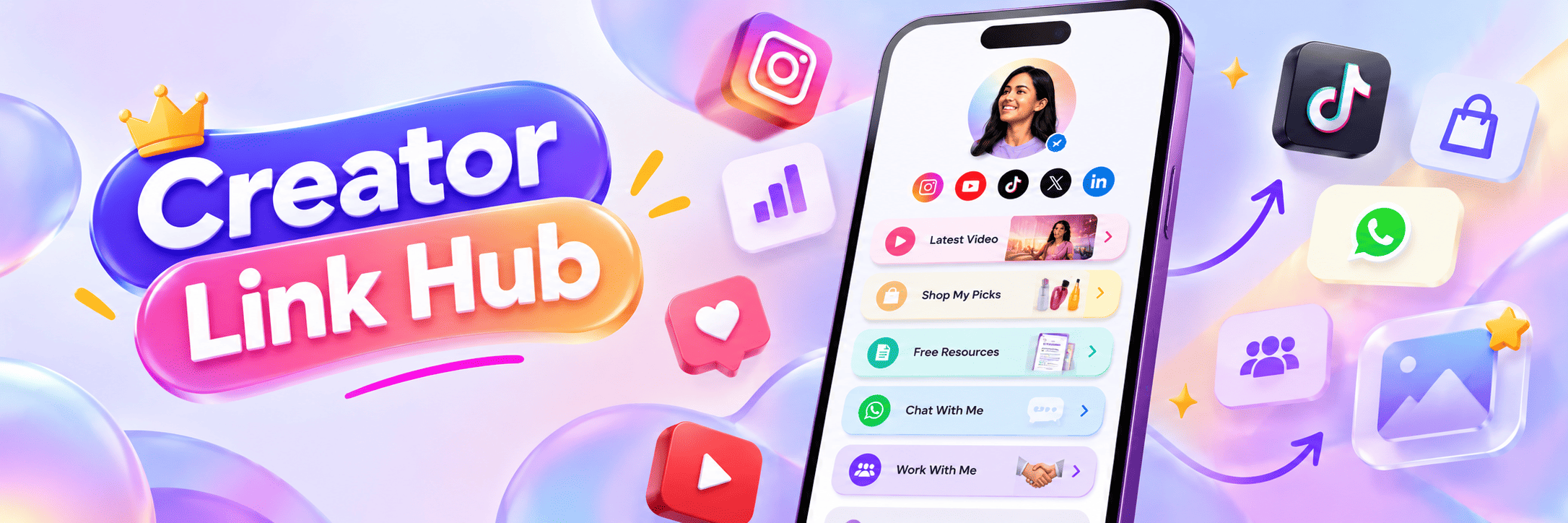
A creator link hub showing social media profiles, content links, shop links, free resources, WhatsApp contact and collaboration options in one bio page.
A content creator’s social media profile is more than just a place to post videos, photos or updates. It is also a place where followers decide what to do next. They may want to watch more content, buy something, join a community, contact you, read your blog, download a guide or work with you.
But there is one problem.
Most social media platforms give very limited space in the bio section. You cannot explain everything there. You also cannot add too many links directly in one small profile area. This is where a link in bio page becomes useful.
A link in bio page helps creators keep all important links in one place. Instead of sending followers to one random website, you can guide them to your best content, offers, products, services and contact options from a single page.
In this article, we will look at the best link in bio ideas for content creators. These ideas can help you get more clicks, make your profile look professional and turn profile visitors into real followers, customers or leads.
Why Content Creators Need a Link in Bio Page
Content creators post on many platforms. Some creators are active on Instagram, YouTube, TikTok, Facebook, X, LinkedIn or Pinterest. Some also have blogs, newsletters, online stores, courses, affiliate links or brand collaboration pages.
Without a proper link in bio page, your audience may not know where to go next.
For example, someone may like your reel and want to buy the product you showed. Another person may want to watch your latest YouTube video. A brand may want to contact you for collaboration. A follower may want to join your WhatsApp or email list.
If all these people visit your profile and find only one unclear link, many of them will leave.
A clean bio link page solves this problem. It gives every visitor a simple path.
1. Add Your Latest Content Link
One of the best link in bio ideas for content creators is to add your latest content at the top of the page.
This can be your:
Latest YouTube video
Latest blog post
Latest podcast episode
Latest Instagram reel
Latest product review
Latest tutorial
Latest campaign
Your audience usually comes from fresh content. If someone just watched your reel, they may want more details. A “Watch Latest Video” or “Read Full Guide” button can help them take the next step quickly.
Keep this link updated. Old links can reduce trust. If your bio page says “Latest Video” but opens a three-month-old video, visitors may feel the page is not active.
2. Add Your Main Social Media Profiles
Many creators have audiences on more than one platform. Someone may find you on Instagram but may prefer watching longer videos on YouTube. Someone may follow you on TikTok but may want professional updates from LinkedIn.
So, your bio link page should include your main social media profiles.
You can add links to:
Instagram
YouTube
TikTok
Facebook
X
LinkedIn
Pinterest
Snapchat
Threads
Do not add every platform just for the sake of it. Add only the platforms where you are active. This keeps the page clean and useful.
3. Add a Collaboration or Brand Enquiry Link
If you are a creator, brands may want to work with you. But many creators lose opportunities because their contact process is not clear.
Add a simple button like:
Work With Me
Brand Collaboration
Collab Enquiry
Partner With Me
This link can open your contact form, email, WhatsApp, media kit or booking page.
For creators who want paid collaborations, this is very important. Brands should not struggle to contact you. A clear collaboration link makes your profile look professional.
4. Add Your Media Kit or Portfolio
A media kit is like a creator resume. It can include your audience size, niche, past brand work, engagement rate, content examples and collaboration options.
If you are serious about brand deals, add a media kit link to your bio page.
You can also add a portfolio link if you are a:
Photographer
Video editor
Designer
Writer
Makeup artist
Fitness trainer
Consultant
Educator
Food creator
A portfolio link helps visitors quickly understand your work and quality.
5. Add Your Product or Store Link
Many content creators sell something. It can be a physical product, digital product, course, ebook, template, preset, merchandise or paid community.
Your link in bio page should make it easy to buy.
You can add buttons like:
Shop My Products
Buy My Ebook
View My Templates
Join My Course
Shop My Merch
Download Presets
This is one of the most useful link in bio ideas because it can directly increase your income. But keep the button text clear. Do not write vague text like “Check This”. Tell people exactly what they will get after clicking.
6. Add Affiliate Links Carefully
Affiliate links are common among creators. You may promote tools, products, fashion items, tech gadgets, books, beauty products or software.
Your bio page can include affiliate links, but keep them organized.
For example:
My Favourite Creator Tools
Products I Use
Shop My Setup
My Camera Gear
My Skincare Picks
Books I Recommend
Do not add too many affiliate links in one long list. It can make your page look spammy. Group them properly and keep the most useful ones at the top.
Also, where required, mention that some links may be affiliate links. This builds trust with your audience.
7. Add a Newsletter Signup Link
Social media platforms can change anytime. Reach can go up or down. Accounts can get restricted. Algorithms can change. That is why creators should build an audience outside social media too.
A newsletter is a strong way to do that.
Add a button like:
Join My Newsletter
Get Weekly Tips
Get Free Updates
Join My Email List
A newsletter helps you stay connected with your audience directly. It is useful for creators who share education, business tips, personal branding, finance, fitness, food, marketing or lifestyle content.
8. Add a Free Resource
People love useful free resources. A free resource can increase clicks and help you build trust.
You can offer:
Free checklist
Free guide
Free template
Free ebook
Free workout plan
Free recipe list
Free content calendar
Free Notion template
Free mini course
For example, a marketing creator can add “Download Free Instagram Content Calendar”. A fitness creator can add “Get Free Home Workout Plan”.
This kind of link gives people a reason to click immediately.
9. Add WhatsApp or Direct Contact Button
For many creators, especially in India and small business markets, WhatsApp is very important.
If you take orders, bookings, consultations or enquiries, add a WhatsApp button.
Good button text can be:
Chat on WhatsApp
Book on WhatsApp
Send Enquiry
Ask for Collaboration
Order on WhatsApp
This is useful for coaches, consultants, local creators, food businesses, fashion sellers, event planners, makeup artists and service providers.
A direct contact button reduces friction. People do not need to search for your number or email.
10. Add Your Best Performing Content
Not every visitor has seen your best content. Your bio page can help new visitors discover it.
Add a section or button for your best content, such as:
Most Popular Videos
Start Here
Best Tutorials
Top Recipes
Best Travel Guides
Most Loved Reels
This is a smart link in bio idea because it introduces new visitors to your strongest work. It can also increase watch time, followers and trust.
11. Add Event, Webinar or Workshop Links
If you host live sessions, webinars, workshops or events, your bio page should promote them.
You can add:
Register for Webinar
Join Live Workshop
Book Your Seat
Attend My Event
Creators who teach skills, fitness, business, content creation, finance, language, design or marketing can benefit from this.
Make sure event links are updated. Remove old event links after the event is over.
12. Add Testimonials or Results
Trust is very important online. People may like your content, but they still need proof before buying, booking or contacting you.
Add links or sections for:
Client results
Testimonials
Reviews
Before-after results
Case studies
Brand collaborations
Media mentions
For example, a fitness creator can add “Client Transformations”. A designer can add “Client Reviews”. A coach can add “Student Results”.
This helps visitors feel more confident.
13. Add a Clear Main Call-to-Action
Your bio page should not feel confusing. Before adding links, decide your main goal.
Ask yourself:
What do I want visitors to do first?
It can be:
Watch my latest video
Buy my product
Join my newsletter
Book a call
Contact me
Follow my other platforms
Download my free guide
Put this main action at the top of your link in bio page. This increases the chance of clicks.
14. Keep Your Bio Page Simple and Mobile-Friendly
Most people will open your bio link from a mobile phone. So your page should look clean on mobile.
Use short button text. Keep spacing proper. Do not add too many links. Use clear sections if you have many links.
A clean bio page performs better than a crowded page.
Your page should answer three simple questions:
Who are you?
What do you offer?
What should the visitor click next?
If your bio page answers these questions clearly, it will work better.
15. Track Which Links Get Clicks
A creator should not guess what works. You should check which links people click the most.
Analytics can help you understand:
Which content gets more clicks
Which product people like
Which CTA works better
Which links should be moved higher
Which links should be removed
For example, if your “Free Guide” link gets more clicks than your “Shop” link, you can use that insight to improve your strategy.
A link in bio page with analytics helps creators make better decisions.
Final Thoughts
A good link in bio page is not just a list of links. It is a simple landing page that guides your audience.
For content creators, the best link in bio ideas include latest content, social profiles, collaboration links, media kit, products, affiliate links, newsletter signup, free resources, WhatsApp, testimonials and event links.
But the most important thing is clarity.
Do not add links randomly. Add links that support your creator goals. Keep the page clean, mobile-friendly and easy to understand.
Your social media content brings attention. Your link in bio page turns that attention into clicks, leads, sales, followers and opportunities.
A smart bio page can become your creator homepage. It can help people discover your best work, contact you faster and take the next step without confusion.